Opening a digital Pilates Reformer studio: the 8 steps
From project to first session: the steps to opening a digital Pilates Reformer studio or digitising an existing one, with the questions to ask at each stage.
In brief
The essentials in 30 seconds
- Opening a digital Pilates Reformer studio takes eight steps: project, premises, layout, machines, screens, content, team, launch.
- An existing studio can also go digital: touchscreen kiosks and a session library are added to Reformers that are already in place or renewed.
- The floor plan shapes everything: number of stations, circulation around the machines, reception, light and acoustics.
- The hybrid model, combining group classes with guided-autonomy sessions, keeps the machines in use throughout opening hours.
- Reformer Society supports the project on a turnkey basis, from the site survey to the first session.
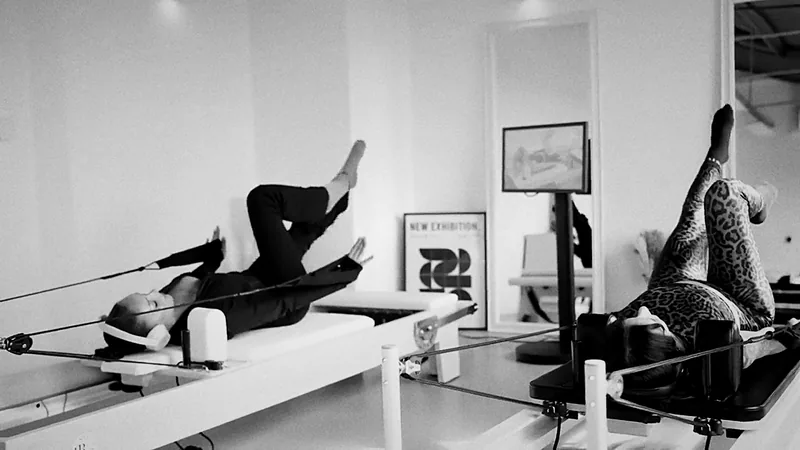
Opening a digital Pilates Reformer studio means creating a space where clients practise on studio Reformers, guided by video sessions shown on touchscreen kiosks. Whether you are starting from scratch or digitising an existing studio, the project follows eight steps. Here they are, along with the right questions to ask at each one.
Step 1: define the project and the model
Before talking about machines, the business model needs to be clear:
- Digital studio: guided-autonomy sessions only, with a front-of-house team.
- Hybrid studio: instructor-led group classes and guided-autonomy slots.
- Integrated space: a digital Reformer corner in a hotel, physiotherapy practice, gym or company.
The model determines the number of stations, the team and the fit-out. To understand the differences, read our guide to the digital Pilates Reformer studio.
Step 2: choose and survey the premises
A Reformer studio comes with specific constraints:
- Floor area: each station needs the length of the machine plus circulation space all around it.
- Flooring: level, stable and pleasant underfoot.
- Light: natural if possible, with no distracting glare on the screens.
- Acoustics: headphones isolate the sound, but the space must remain calm.
- Access: machine delivery, accessibility, changing rooms.
Step 3: draw up the floor plan
The plan sets the number of stations, their orientation, the position of the kiosks, circulation and reception. This is the step that makes the difference between a pleasant studio and a cluttered space. Reformer Society produces this plan from the site survey.
Step 4: choose the Reformers
Studio machines work all day long. The key criteria:
- Constant-tension springs, a guarantee of safety and repeatable instructions.
- A stable frame, in maple or aluminium.
- Quick adjustments between clients: footbar, straps, headrest.
- An aesthetic that is part of the identity of the space.
Compare our studio models on the Reformers page.
Step 5: install the touchscreen kiosks
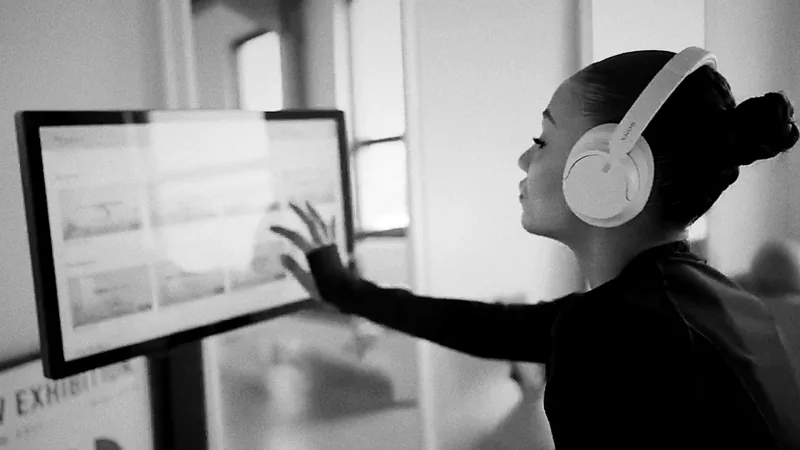
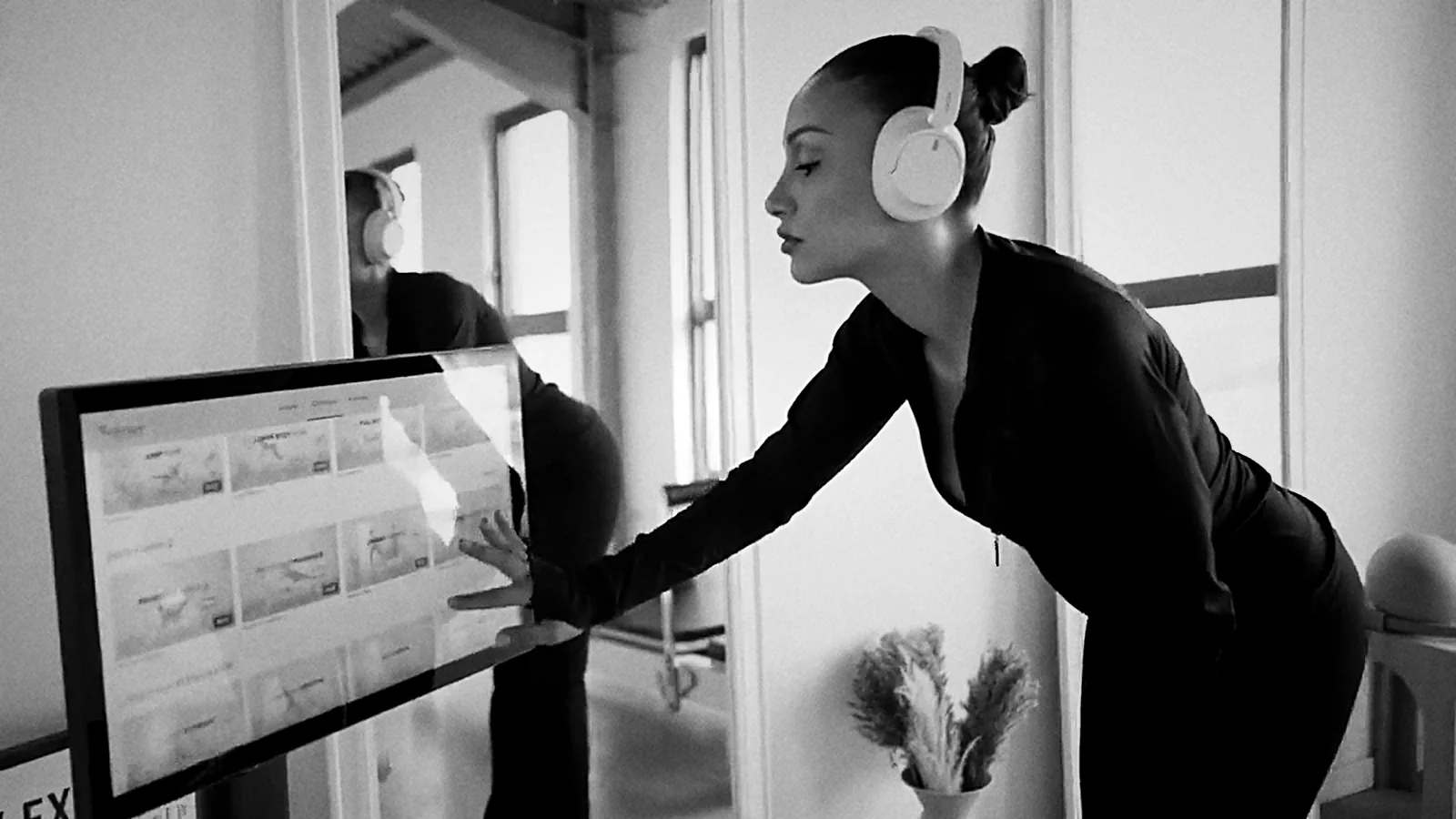
One kiosk per station, placed facing the client at eye level. The screen must be robust, easy to read and simple to use: clients should find their session within seconds.
Step 6: choose the content
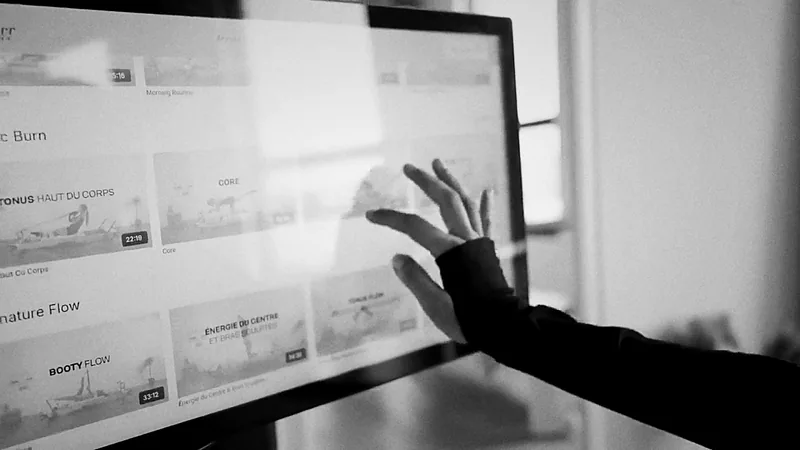
The session library is what your clients experience day to day. Check for:
- Sessions designed for the Reformer, by named instructors.
- Clear levels, from fundamentals to advanced sessions.
- Filters by duration and goal.
- A regularly renewed catalogue to build loyalty.
This is the role of the Connect Pro offer from Reformer Society Connect.
Step 7: train the team
In a digital studio, the front-of-house team settles new clients in, introduces the machine and the kiosk, and keeps the stations in good condition. In a hybrid studio, instructors point their students towards digital sessions between classes.
Step 8: launch the studio
- Support the first sessions: a few minutes of introduction per client.
- Guide beginners towards the fundamentals sessions.
- Build the timetable: group classes at peak times, guided autonomy the rest of the time.
- Measure station use to adjust the slots.
The client's view of a session is covered in detail in how a digital Reformer session works in a studio.
Summary
| Step | Key decision |
|---|---|
| 1. Project | Digital studio, hybrid studio or integrated space |
| 2. Premises | Floor area, flooring, light, acoustics, access |
| 3. Layout | Number of stations and circulation |
| 4. Reformers | Models and materials |
| 5. Kiosks | One screen per station |
| 6. Content | A suitable session library |
| 7. Team | Front of house and instructors |
| 8. Launch | Support and timetable |
A turnkey project with Reformer Society
Reformer Society supports professionals at every step: site survey, floor plan, studio Reformers, touchscreen kiosks, Connect Pro access and onboarding. Explore our solutions for professionals or request an assessment of your project. We work throughout France and neighbouring countries; our machines can be tried at the showroom in Essonne.
Your questions
Frequently asked questions
Can an existing Pilates studio be digitised?
Yes. One touchscreen kiosk per station is added, along with access to a session library. Depending on the condition of the existing equipment, the Reformers are kept or renewed.
What floor area does a Pilates Reformer studio need?
It depends on the number of stations and the machine model. Allow for the length of the Reformer plus circulation space all around it for arm and leg movements. The site survey makes it possible to size the project precisely.
Does a digital studio need instructors?
A front-of-house team is enough for guided-autonomy slots. In a hybrid model, instructors also lead group or private classes.
How long does it take to open a digital Reformer studio?
It depends on the building work and the number of stations. Once the premises are ready, installation of the machines, kiosks and platform is scheduled with Reformer Society at the quote stage.
Which professionals open digital Reformer studios?
Pilates studios, physiotherapists, hotels, gyms and companies equipping a wellness area.