How a digital Reformer session works in the studio
Touchscreen kiosk, headphones, instructor on video: the full run-through of a digital Reformer session in an equipped studio, from both the client's and the operator's point of view.
In brief
The essentials in 30 seconds
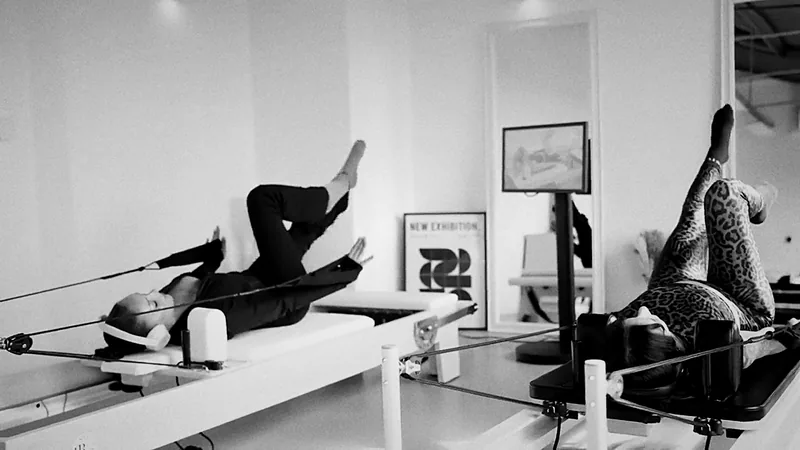
- A digital Reformer session takes place at an equipped station: a studio Reformer and a touchscreen kiosk.
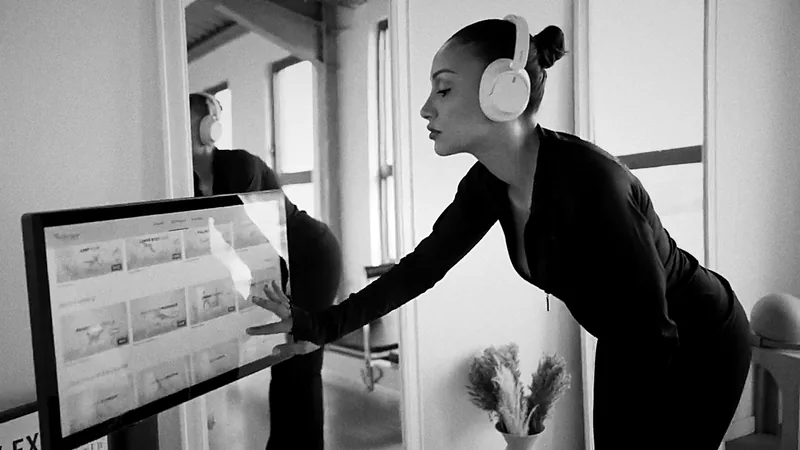
- Clients choose their session on screen, then an instructor on video guides them step by step, from setting the springs to breathing.
- It follows five stages: welcome, choosing the session, setup, guided session, cool-down. Allow 20 to 45 minutes.
- For operators, it is an additional slot with no scheduled class: off-peak hours put to good use, beginners welcomed, clients retained.
- The Connect Pro offer from Reformer Society brings together machines, kiosks and a session library, on quote.
A digital Reformer session is a Pilates Reformer class guided by an instructor on video, followed by the client at a station equipped with a touchscreen kiosk. In a studio, a practice or a wellness area, it makes it possible to offer quality sessions outside group classes. Here is how it works, step by step, for both the client and the operator.
The station: what the studio needs
- A studio Reformer, stable and precise, with springs that hold the same tension over time.
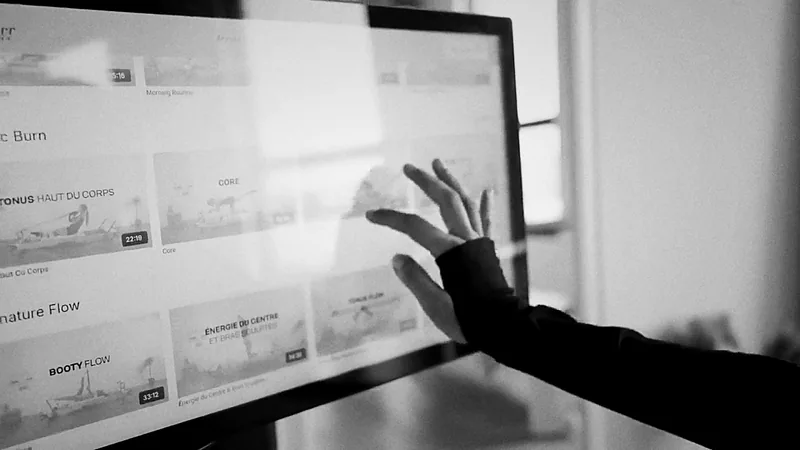
- A touchscreen kiosk placed facing the station at eye level, displaying the session library.
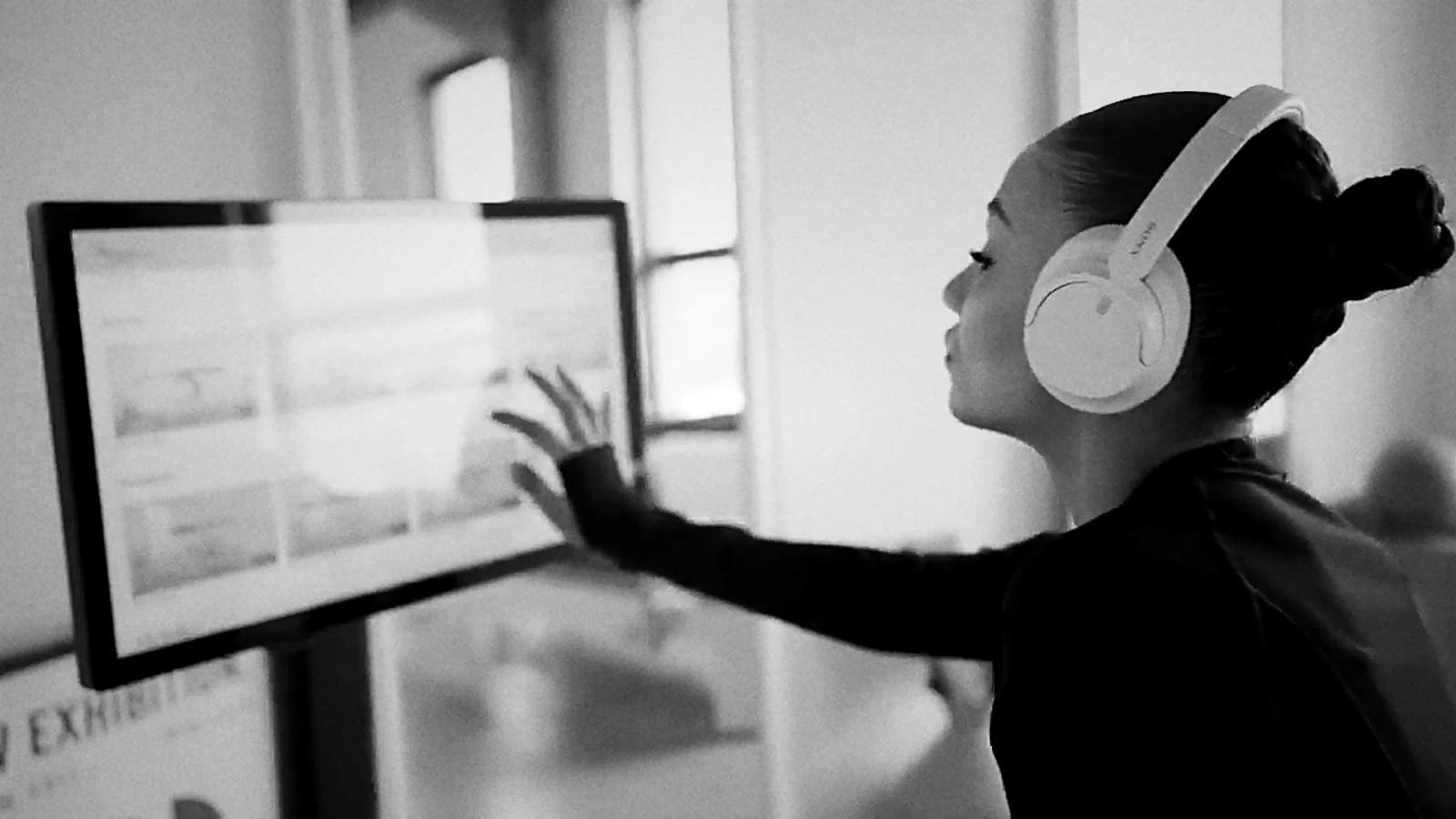
- Headphones, to be provided by the studio (not included in our offers), so that each client hears their instructions without disturbing others.
- A well-thought-out layout: circulation space around each machine, light, acoustics, accessory storage.
Reformer Society designs the whole set-up from the site survey onwards: see our solutions for professionals.
Step 1: the welcome
The client is welcomed by the studio team, who show them to their station. At their first session, a team member introduces the machine, the kiosk and the headphones: a few minutes are enough for them to be independent from then on.
Step 2: choosing a session on the kiosk
On the touchscreen, the client filters the library:
- By level: fundamentals, intermediate, advanced.
- By duration: from 20 to 45 minutes depending on the slot.
- By goal: mobility, core strength, upper or lower body strengthening, full session.
They put on their headphones and start the session. Progressive programmes, from fundamentals to advanced sessions, allow them to improve from one visit to the next.
Step 3: setup and adjustment
Before the first exercise, the instructor introduces the session and announces the settings: number and tension of the springs, footbar height, headrest position. The client makes the adjustments, and the video stays paused for as long as needed.
A good setup at the start is worth more than ten corrections mid-effort.
Step 4: the guided session
After a warm-up focused on breathing and positioning, often through footwork, the session is organised into blocks, each announced on screen with its spring change:
- The core: deep core work, with exercises lying down or kneeling.
- The lower body: legs and glutes, with the feet in the straps or on the footbar.
- The upper body: arms and back, pulling the straps.
- Balance and coordination: depending on the level, standing or plank exercises.
The instructor sets the tempo, the number of repetitions and the points to watch, with the same rigour as in a group class.
Step 5: the cool-down
The session ends with guided stretches and a few slow breaths. The client releases the springs, returns the carriage to position and vacates the station for the next person.
What changes for the operator
| Issue | Group class | Digital Reformer session |
|---|---|---|
| Instructor presence | Required | Instructor on video, front-of-house team on site |
| Hours | Fixed timetable | Guided-autonomy slots, including off-peak hours |
| Machine occupancy | According to the class timetable | Stations in use between classes |
| Welcoming beginners | In a group already under way | Fundamentals sessions at their own pace |
| Client loyalty | Tied to the timetable | Progressive programmes and a renewed catalogue |
The digital Reformer does not replace group classes: it complements them, making the machines pay during periods when no class is scheduled.
Best practice in the studio
- Support the first session: a few minutes of introduction create independent clients.
- Guide beginners towards the fundamentals: quality of movement matters more than intensity.
- Take care over the layout: screen at eye level, enough space around each station.
- Plan for maintenance: cleaning the carriage, straps and headphones between clients.
Equip your studio
The Connect Pro offer from Reformer Society brings together studio Reformers, touchscreen kiosks and access to the full session library of Reformer Society Connect, with programmes for all levels led by expert instructors. Touchscreen kiosk and platform access are available on quote. To understand the concept, read the digital Reformer: connected Pilates Reformer. Planning a studio? Request an assessment or come and see our machines at the showroom.
Your questions
Frequently asked questions
How long does a digital Reformer session last in the studio?
Generally 20 to 45 minutes. Clients filter sessions by duration on the kiosk, which makes it possible to offer short slots between group classes.
Does an instructor need to be present during the session?
No, the session is guided by an instructor on video. The studio team welcomes clients, helps them settle in for their first session and remains available, without leading the class.
Can beginners follow a digital session?
Yes. Fundamentals sessions announce the spring setting, positioning and breathing before each exercise. An initial introduction with the studio team is recommended.
What equipment does the studio need?
Studio Reformers and one touchscreen kiosk per station, with access to the session library. Reformer Society designs the whole set-up, from the layout to the first session.
Which professionals use the digital Reformer?
Pilates studios, physiotherapy practices, hotels, gyms and companies equipping a wellness area.
How can I get the Connect Pro offer?
The touchscreen kiosk and platform access are available on quote, depending on the number of stations and the project. Contact Reformer Society for an assessment.